

Prepare a quote from Excel items
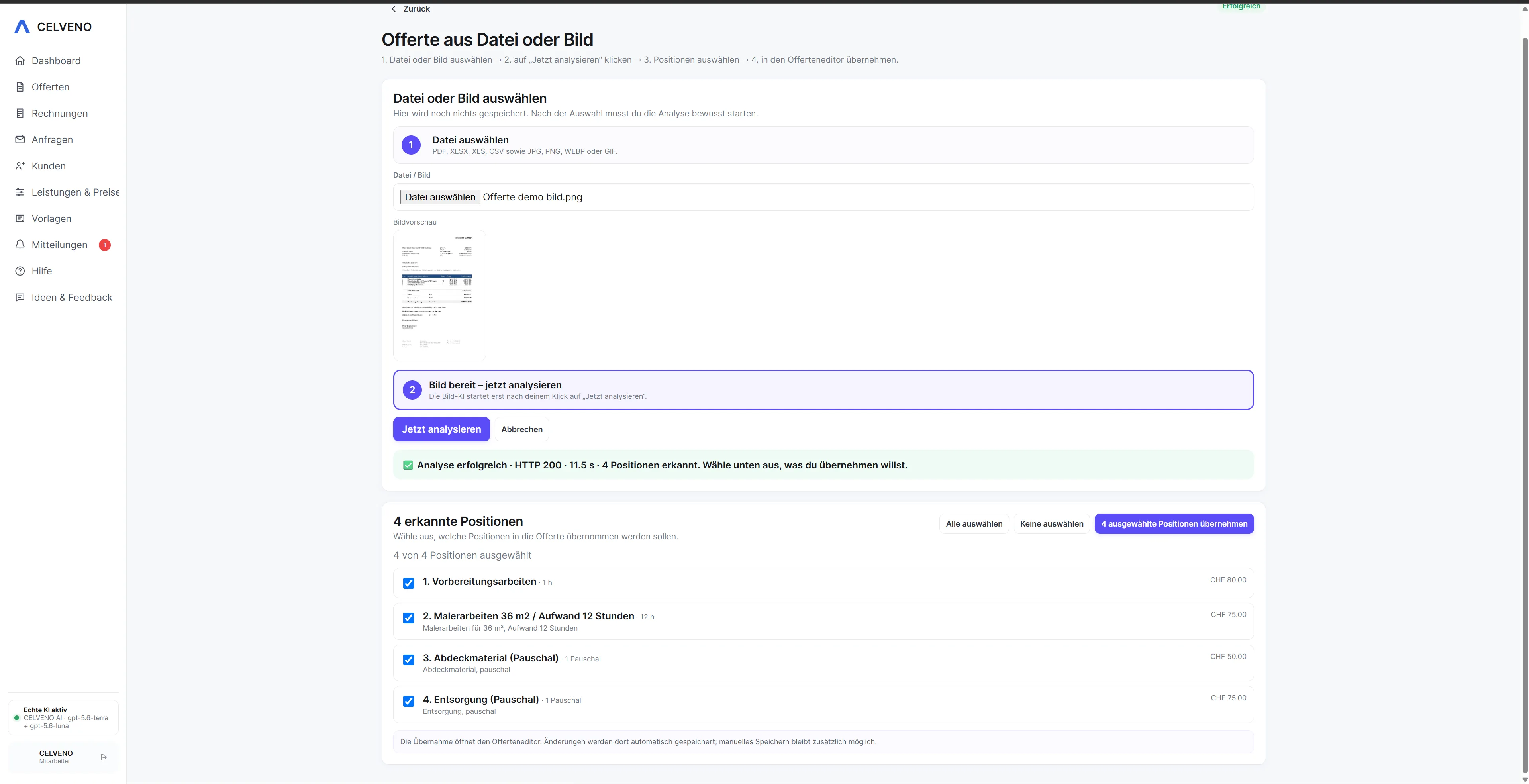
Existing Excel parts lists and costing sheets do not need to be entered again from scratch. CELVENO can analyse tables and provide recognised item data for further work.
Turn an enquiry into a quote you can review
Start manually or from existing documents. Add items from your catalogue and review quantities and prices before exporting the PDF.
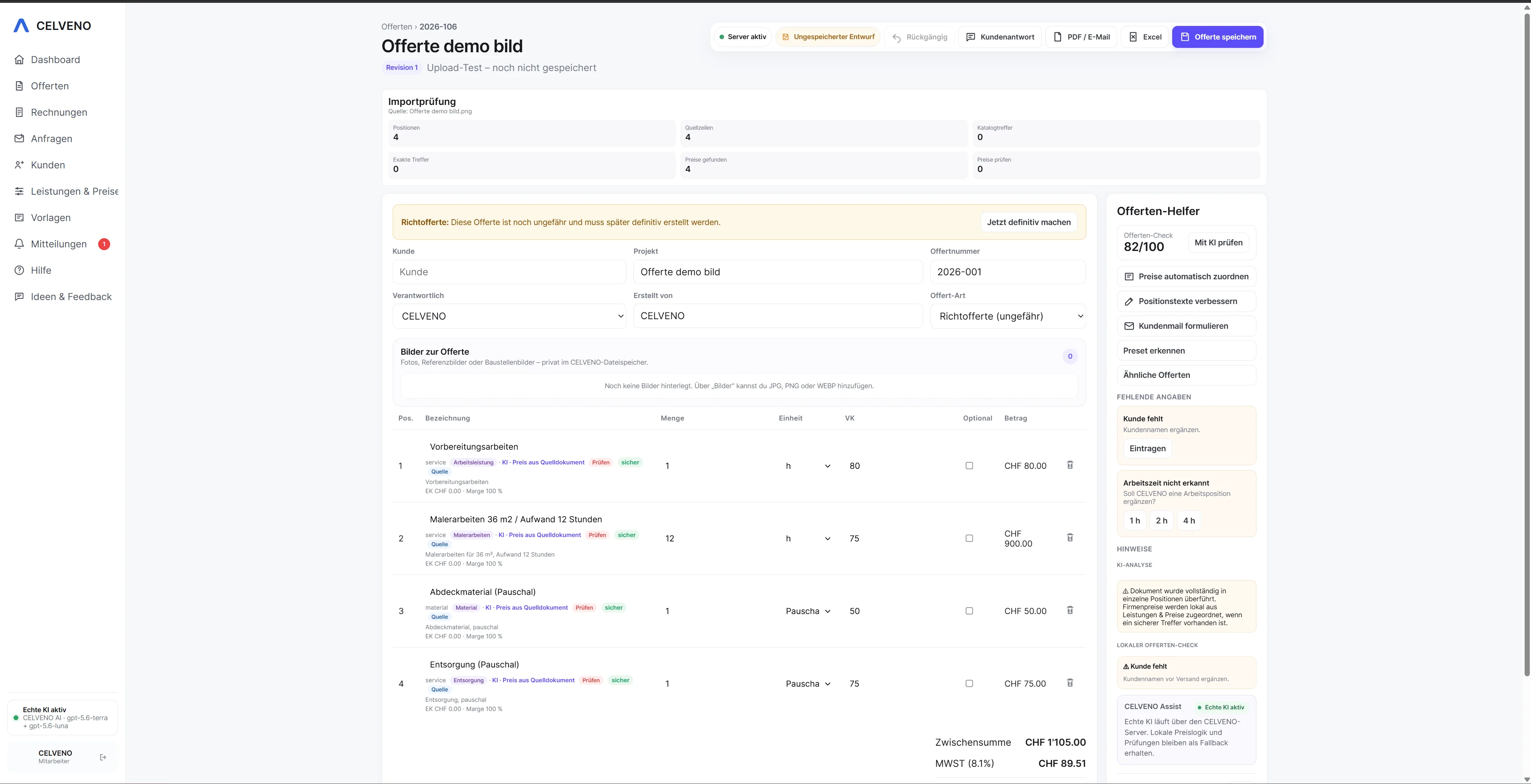 Open view ↗
From scattered information to a clear quoting process.
Excel is flexible, but different versions, formulas and price updates can quickly accumulate. CELVENO brings relevant item data into a structured quoting process.
How CELVENO supports you
- Use Excel/XLSX data as a starting point
- Review items, quantities and units
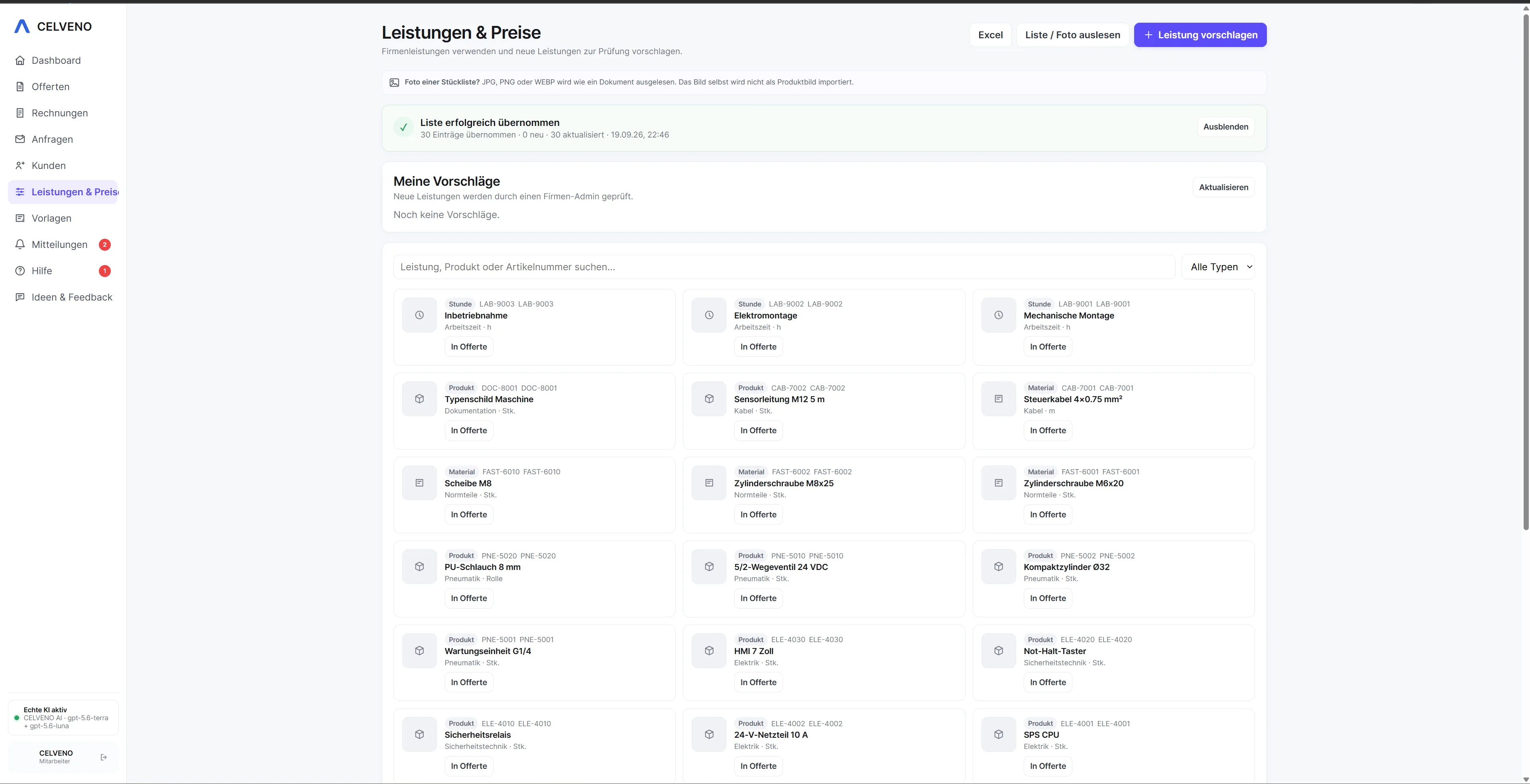
- Match against the company catalogue and prices
- Check purchase/selling prices and margins in CELVENO
- Revisions in place of duplicate files
- Create a customer PDF from structured data
Turn an enquiry into a quote you can review.
Every step stays visible. Automation helps where it saves work, while approval remains with the user.
See the workflow in CELVENO.
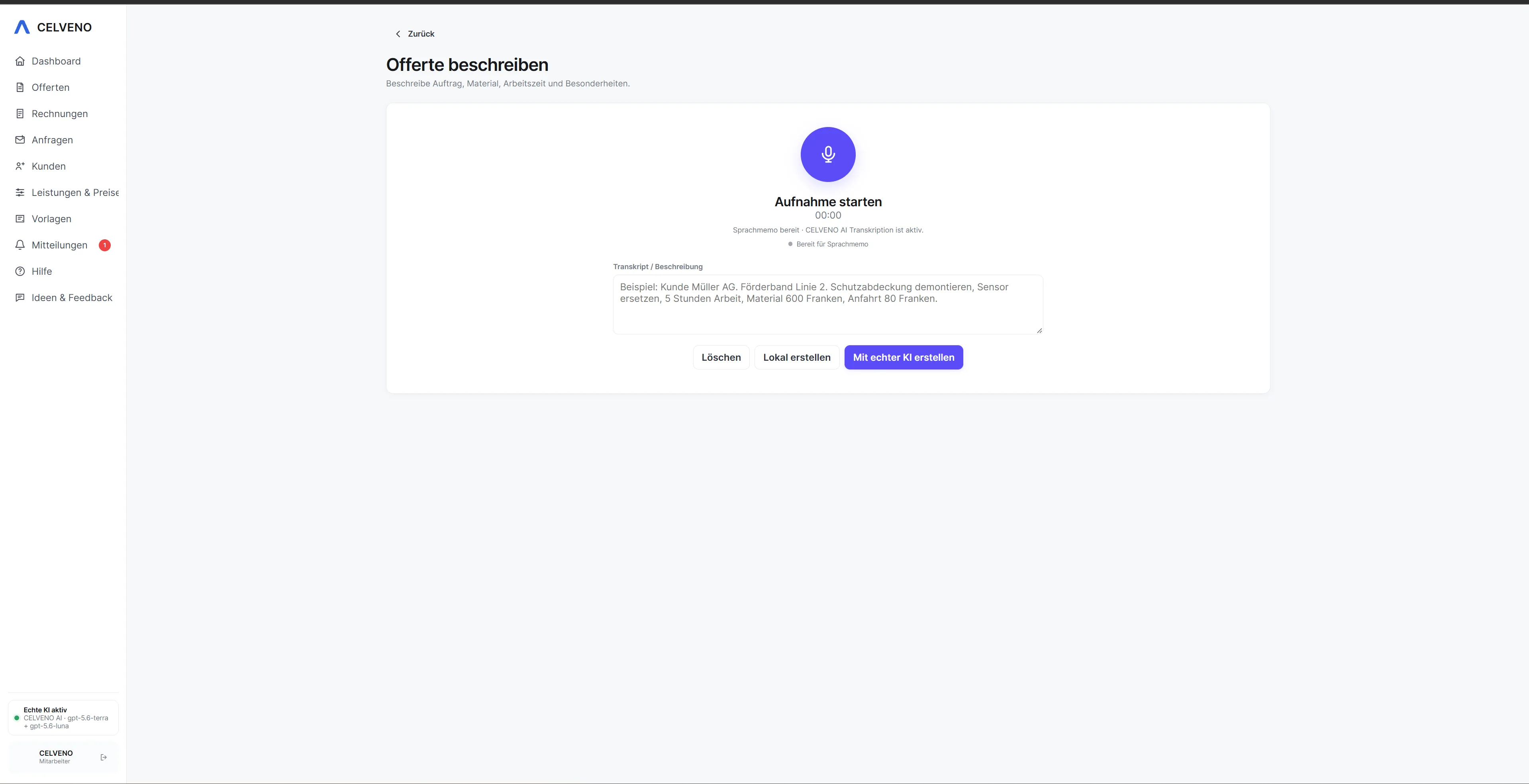
The following screenshots show actual areas of CELVENO.
Frequently asked questions about Create a quote from Excel
Does my Excel file remain the actual quote?
No. The spreadsheet is an input source. The resulting quote is managed in CELVENO and can be edited independently of the original file.