

For SMEs & teams
Quoting software for Swiss SMEs
CELVENO establishes a shared quoting standard, keeping prices, catalogues, templates and revisions together instead of scattered across individual files and personal folders.
An everyday example
Give the team a shared starting point
Use shared customer records and the company catalogue. Track prices, responsibilities and changes within the same quote.
Customer · company knowledge · teamwork
Illustrative workflow, not a customer testimonial.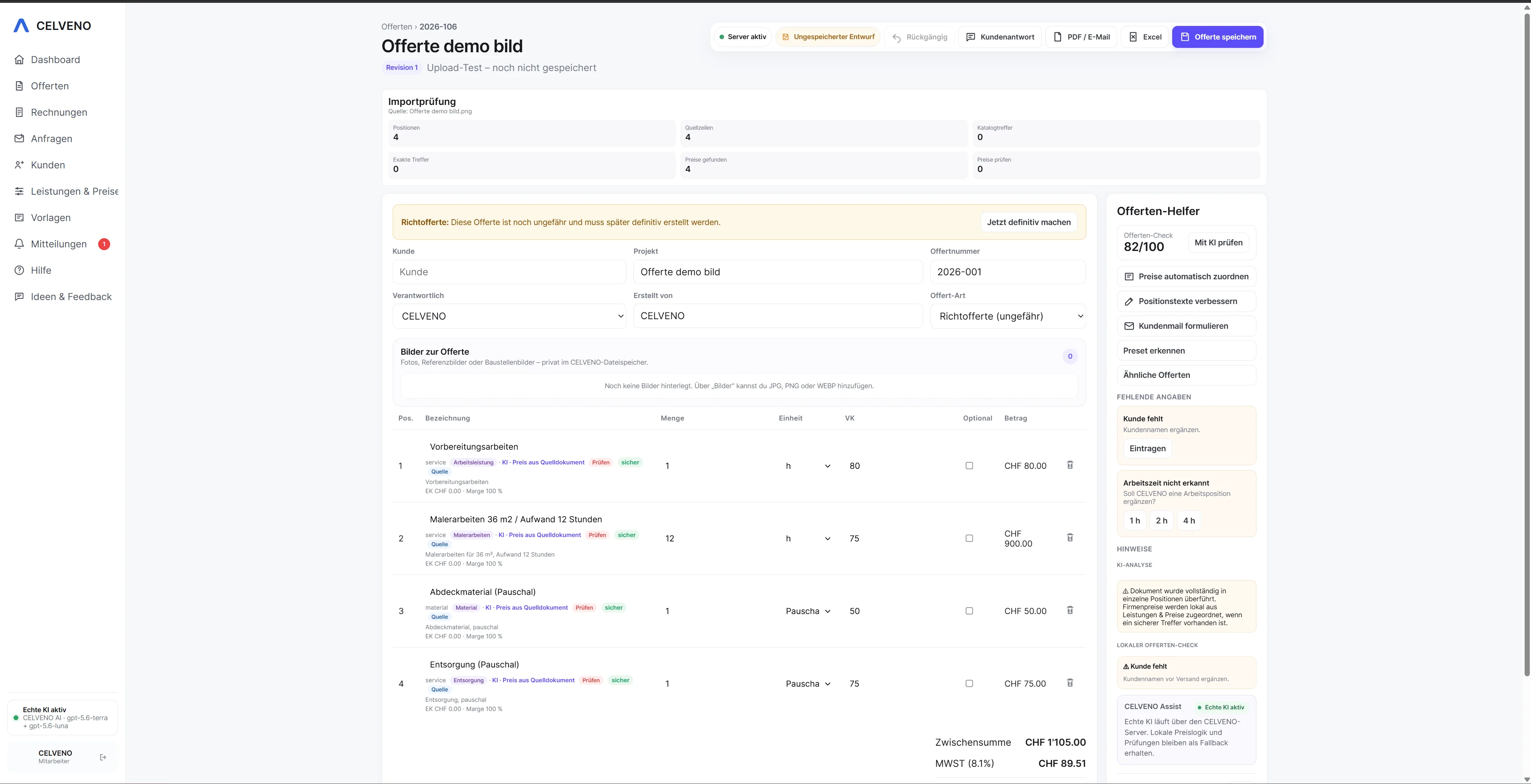 Open view ↗
Starting point
From scattered information to a clear quoting process.
In SMEs, several people often prepare quotes. Without a shared catalogue and clear roles, prices, templates and ways of working can quickly diverge.
How CELVENO supports you
- Shared company catalogues and price lists
- Roles and user management
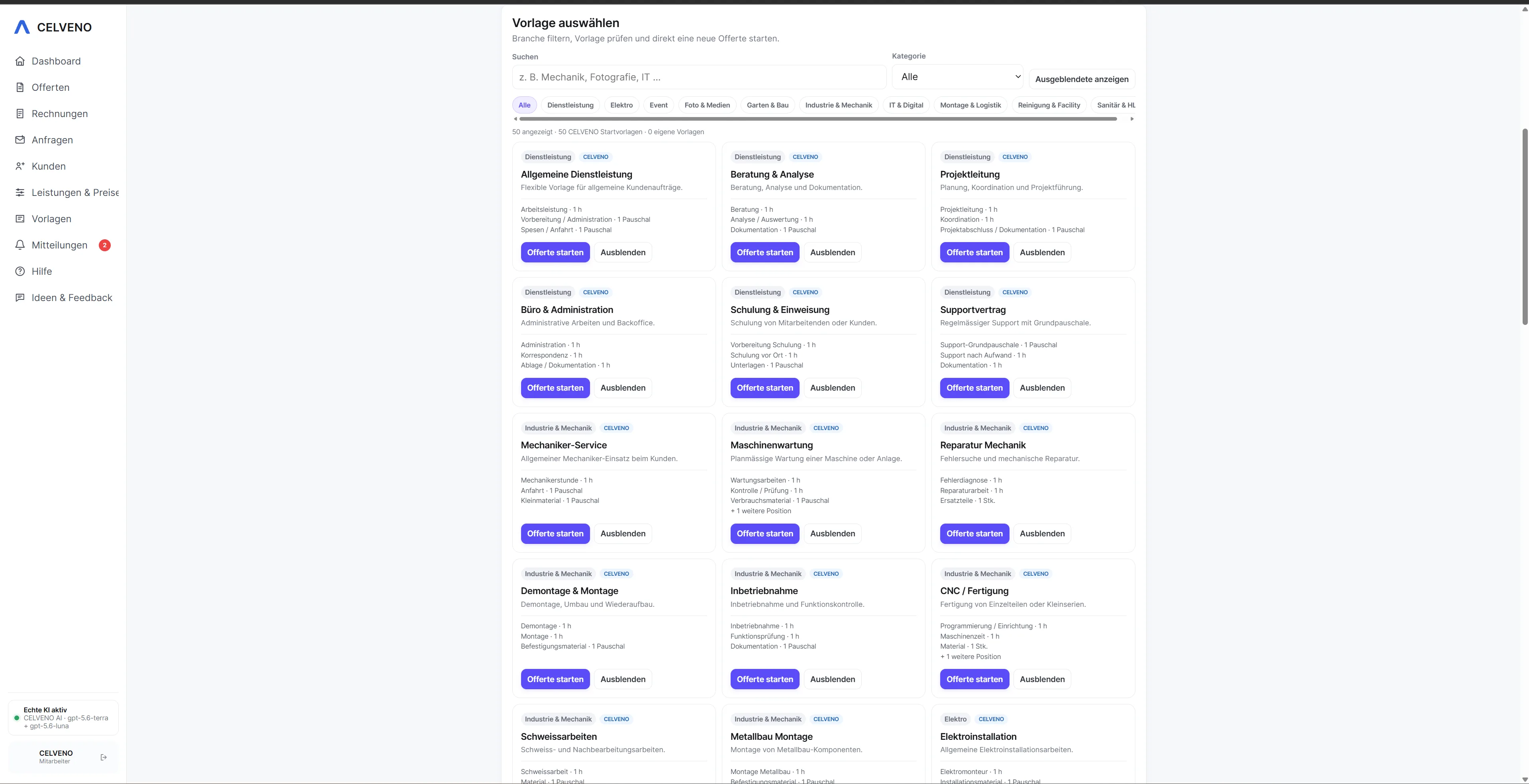
- Presets and item groups for standard work
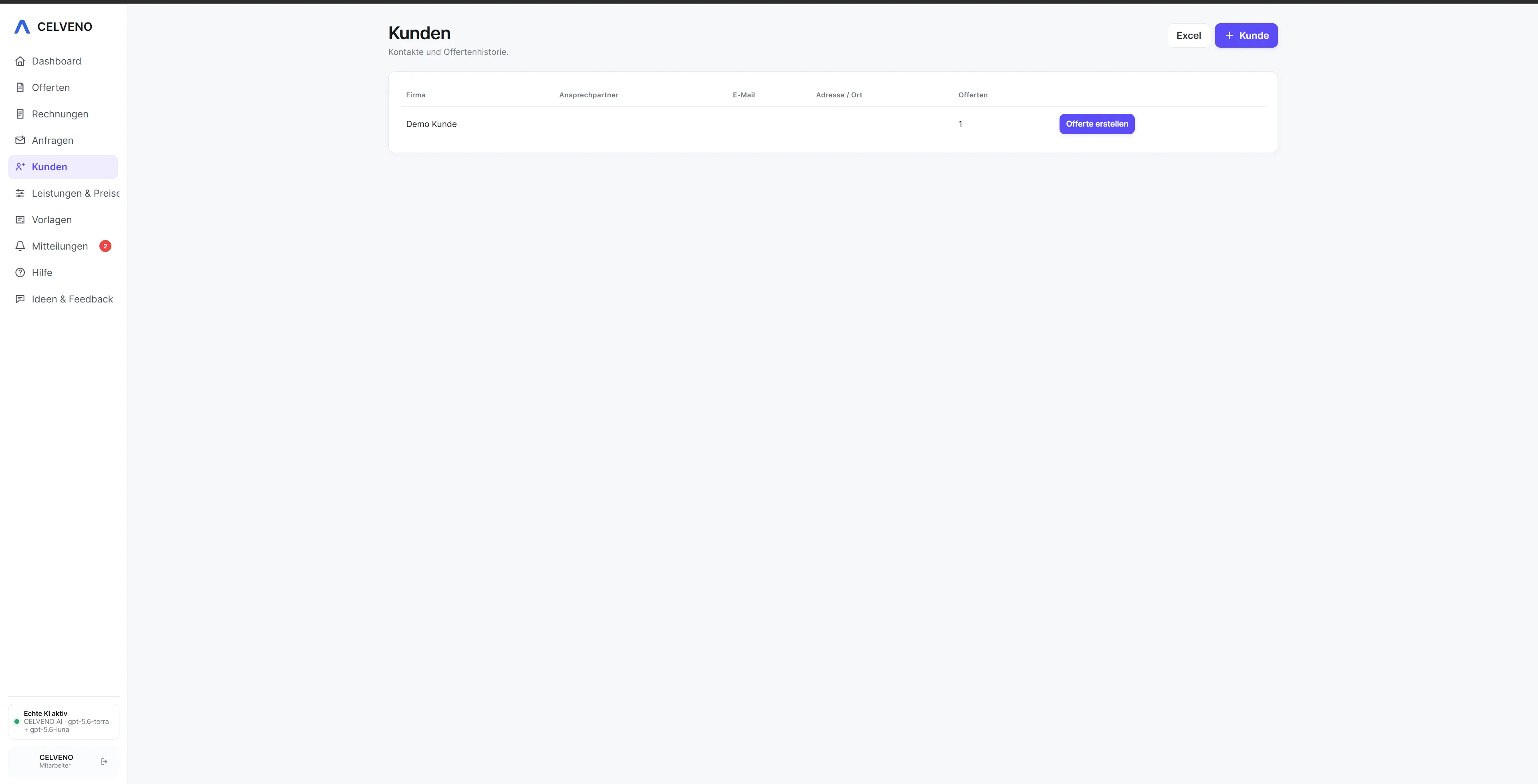
- Manage customers and quotes centrally
- Revision history in place of file copies
- Keep internal costs separate from customer PDFs
Workflow
Turn an enquiry into a quote you can review.
Every step stays visible. Automation helps where it saves work, while approval remains with the user.
1Store company knowledge in the catalogue and presets
2Assign the enquiry to a customer and owner
3Build the quote from standards or imported data
4Review costing and changes internally
5Approve the revision and send the customer PDF
Real product views
See the workflow in CELVENO.
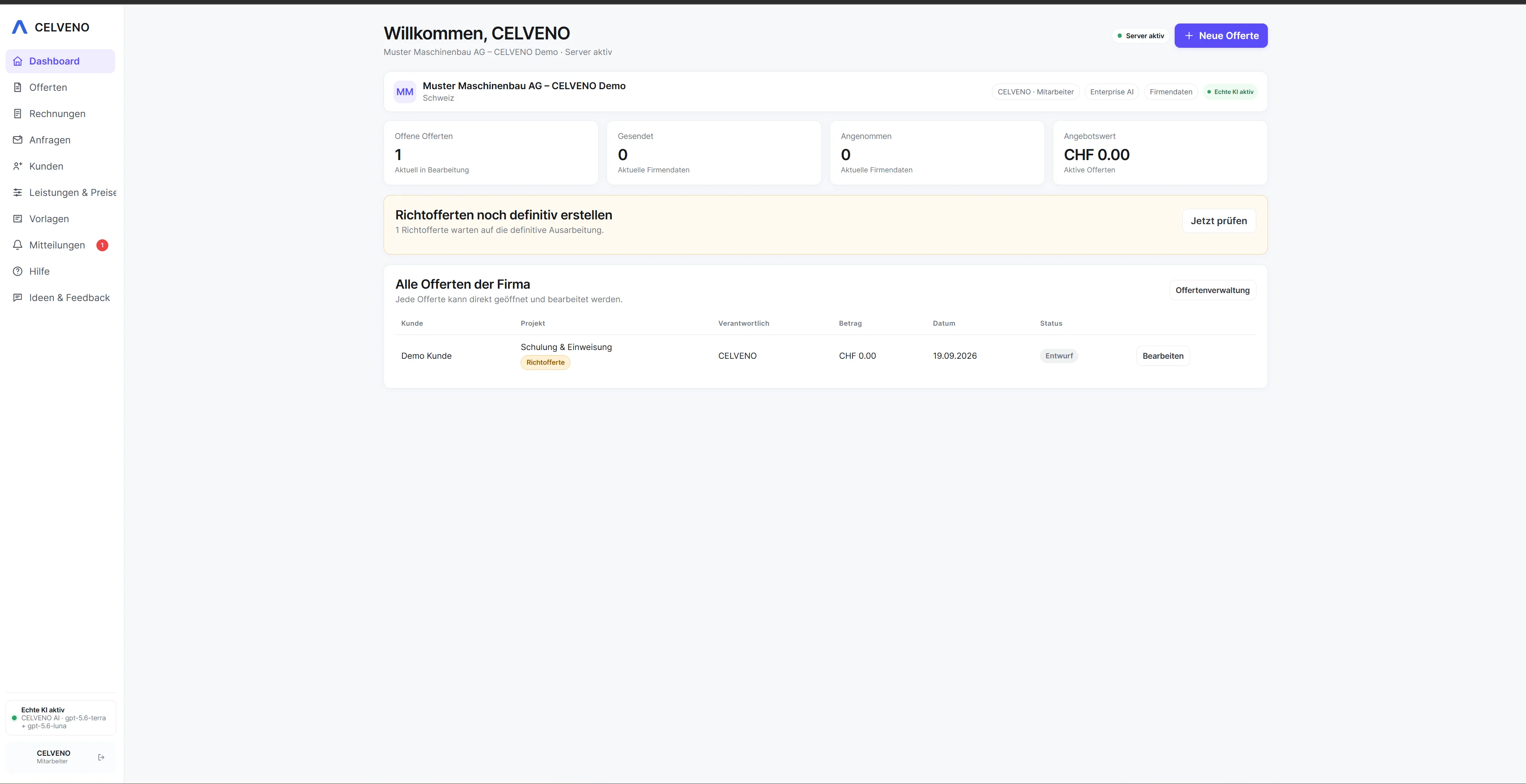
The following screenshots show actual areas of CELVENO.
FAQ
Frequently asked questions about Quoting software for SMEs
Can an SME work with multiple users?
Yes. CELVENO is built around company accounts, users and roles so teams can work with shared data and different permissions.
More solutions